
Search Results for: tally prime

Raw Material Requirement Tally Prime TCP

FEATURES

This is a report module help to do the raw material requirement planning to ensure timely
execution of sales order. It has two reports to find the Finished goods shortage considering
available stock, pending orders, raw material required to do the FG shortage, raw material
shortage to produce FG, SFG Shortage, raw material required for the Production of SFG, Raw
materials order to be placed etc.
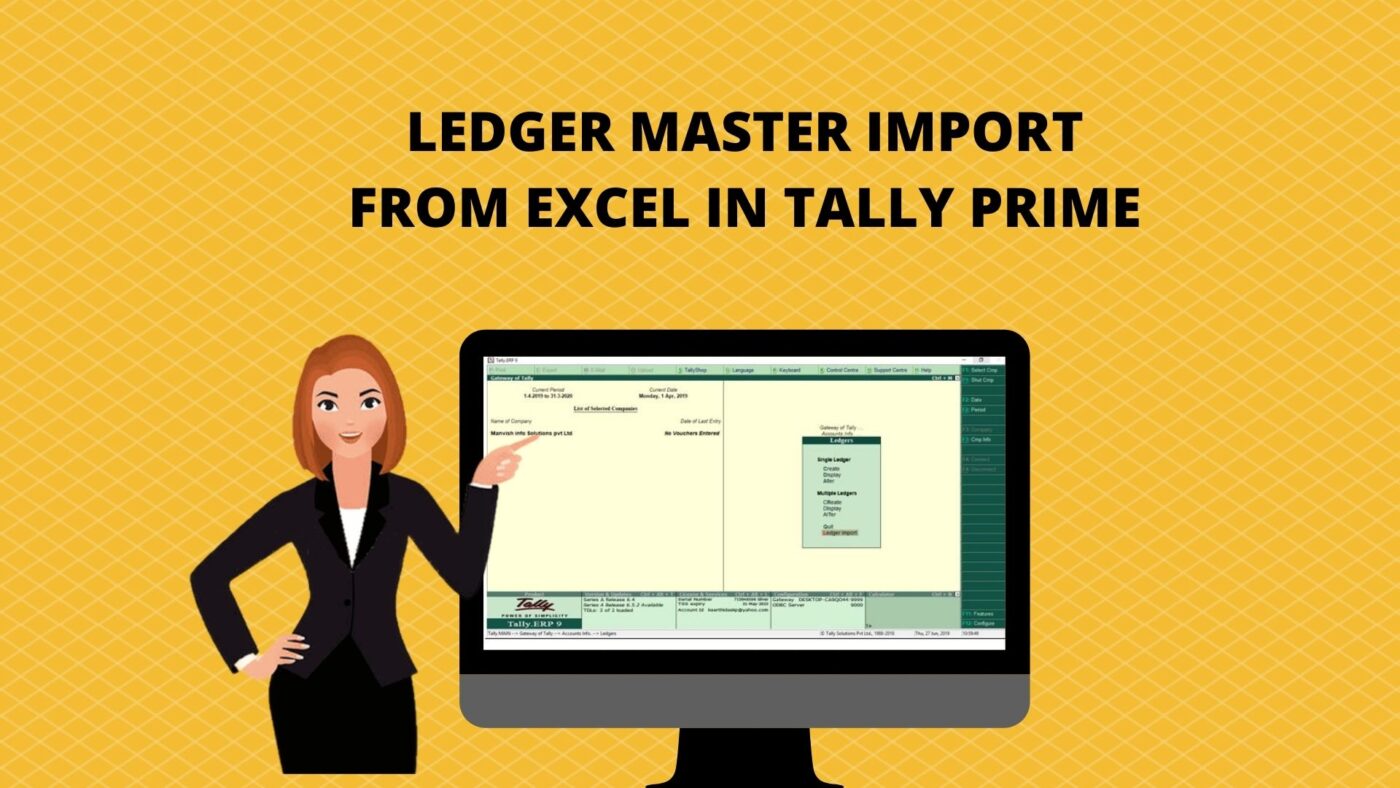
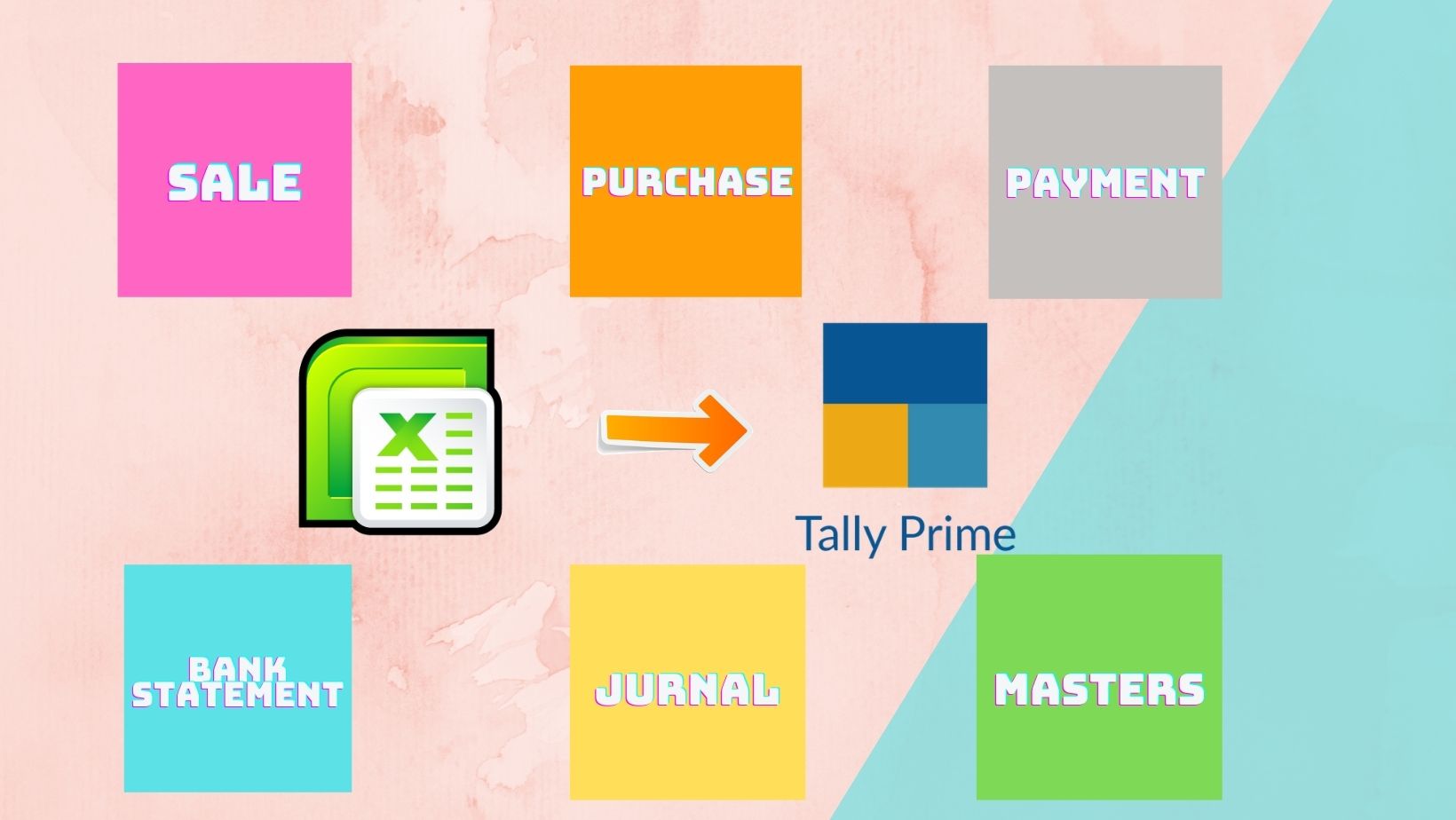
LEDGER MASTER IMPORT FROM EXCEL TALLY PRIME TCP

LEDGER MASTER IMPORT FROM EXCEL

FEATURES

This Add-on enables you to import bulk ledger master from excel to Tally.ERP9. Data transfer from any other applications can be done through the Export/Import process.

Note: Along with the tcp you will have specific excel format for the purpose of importing data to Tally.ERP9. No other excel format can be used for importing information into Tally.ERP9 for this purpose.

Ledger Daybook Tally Prime TCP

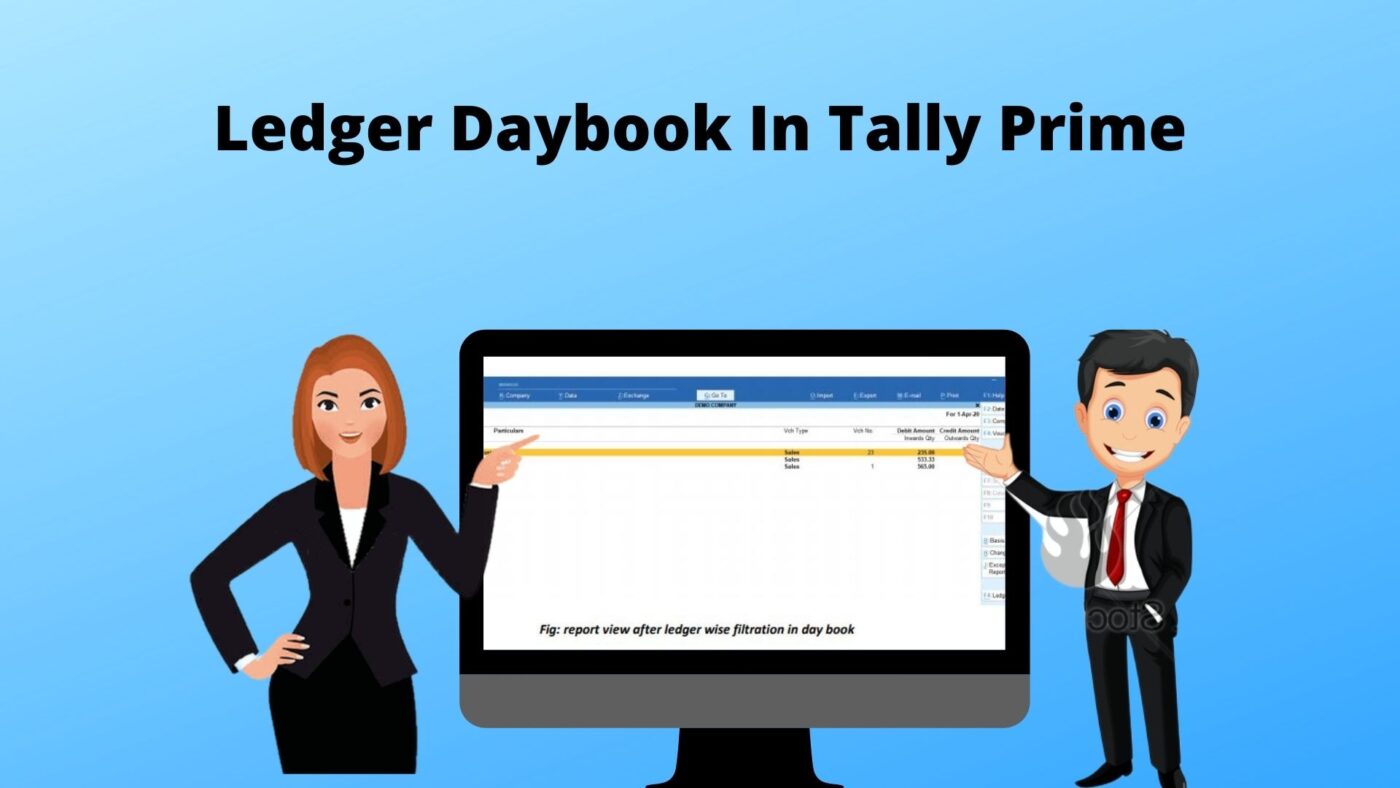
Ledger Daybook

FEATURES

In Tallyprime, the Day Book is by default displayed for the current date (as on the
last date of voucher entry).The Day Book lists all transactions made in a particular
day and by default displays the last voucher entry date of a regular voucher. We
have introduced a new button naming “LEDGER”to filter all transactions include all
financial vouchers, reversing and memorandum journals as well as inventory
vouchers for a particular ledger.

Hold and Recall Invoice Tally Prime TCP

FEATURES

This module is to save a sale bill partially entered. The user can create new sales bill and recall
partially saved vouchers later, any time, with auto resetting voucher number based on
completion. This is common requirement for the customers using Tally billing for counter
billing. Equip them to handle multiple customers same time

GST/ VAT view in voucher IN Tally Prime TCP

GST/ VAT view in voucher IN Tally Prime TCP

FEATURES

The GST/VATview in voucher this module which is used to help the user to identify the GST/VAT rate at the time of sale and purchase entry. In the default Tally this facilityis not providedto the user. So the user can’t identify the GST/VAT rate for each item at voucher entry. In this situationGST/VAT view in voucher module will help the users to know the GST/VAT rate in sale and purchase entry which means one additional field added in the sales and purchase entry and that fieldwill indicate the tax rate.

Welcome to our website !

error: Content is protected !!