 Tally Prime


 Busy 21
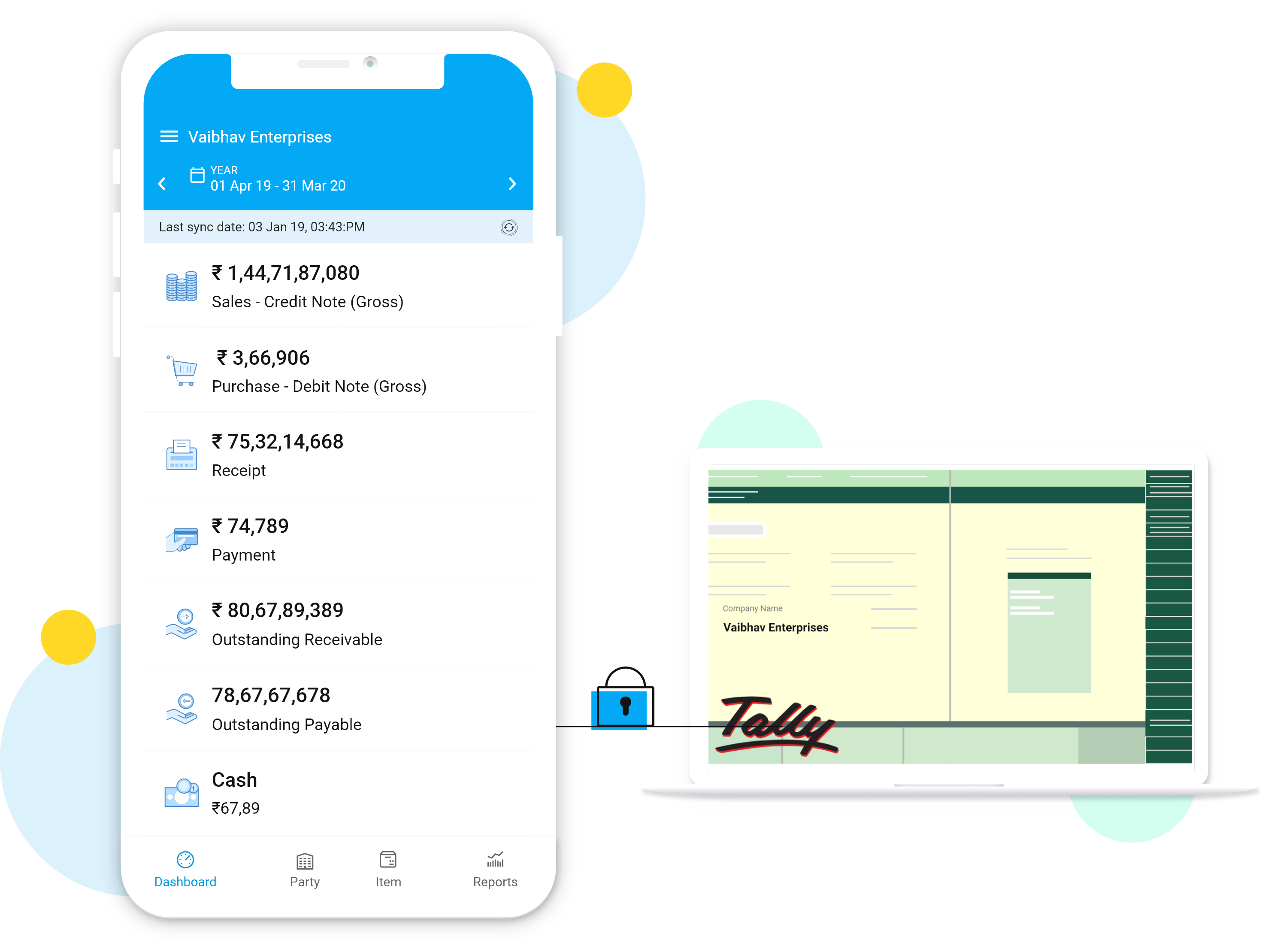
 Tally Mobile App
 BookKeepr Software

02
Mar
Mar
FEATURES
A brief overview of the company’s overall transactions. Specifically, for business owners

FEATURES
A brief overview of the company’s overall transactions. Specifically, for business owners
FEATURES
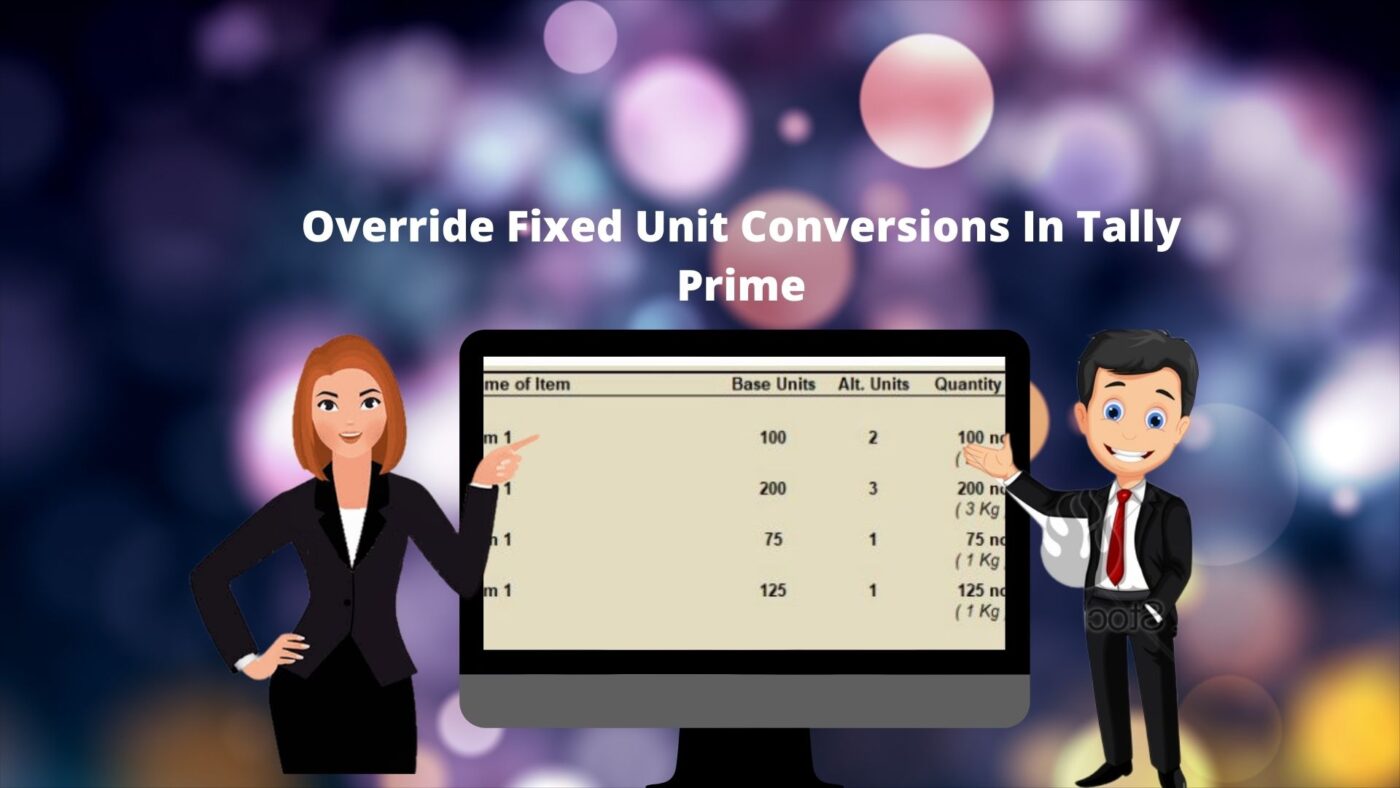
While setting an alternative unit in default Tally, there must be an equation as ‘X’ Quantity base
unit = “Y” Quantity of Alternative units. Eg : 1 bag = 100 Kgs . Based on the master settings, the
conversions automatically happened in vouchers. To override such default conversions, the user
need to apply different conversion equations in the default quantity field
To simplify this, we have been added two different fields for Base units & Alternative units in
sales invoice. It will help the users to apply different conversion for all items in multiple instance
at the time of voucher entry.

Outstanding Write Off on Single Click Tally Prime TCP Getting started with Tally Prime is extremely simple. You can setup the application in less than a minute and get started with invoicing even faster. It just works the way you expect it to. Outstanding Write Off on Single Click Tally Prime comes with a […]

FEATURES
It’s a new features added to the default receivable reports for easy payment follow-ups. where
the tally users can enter daily follow-ups details against each bill. ‘Next follow-up dates’ is
activating a reminder for the next follow-ups on company loading
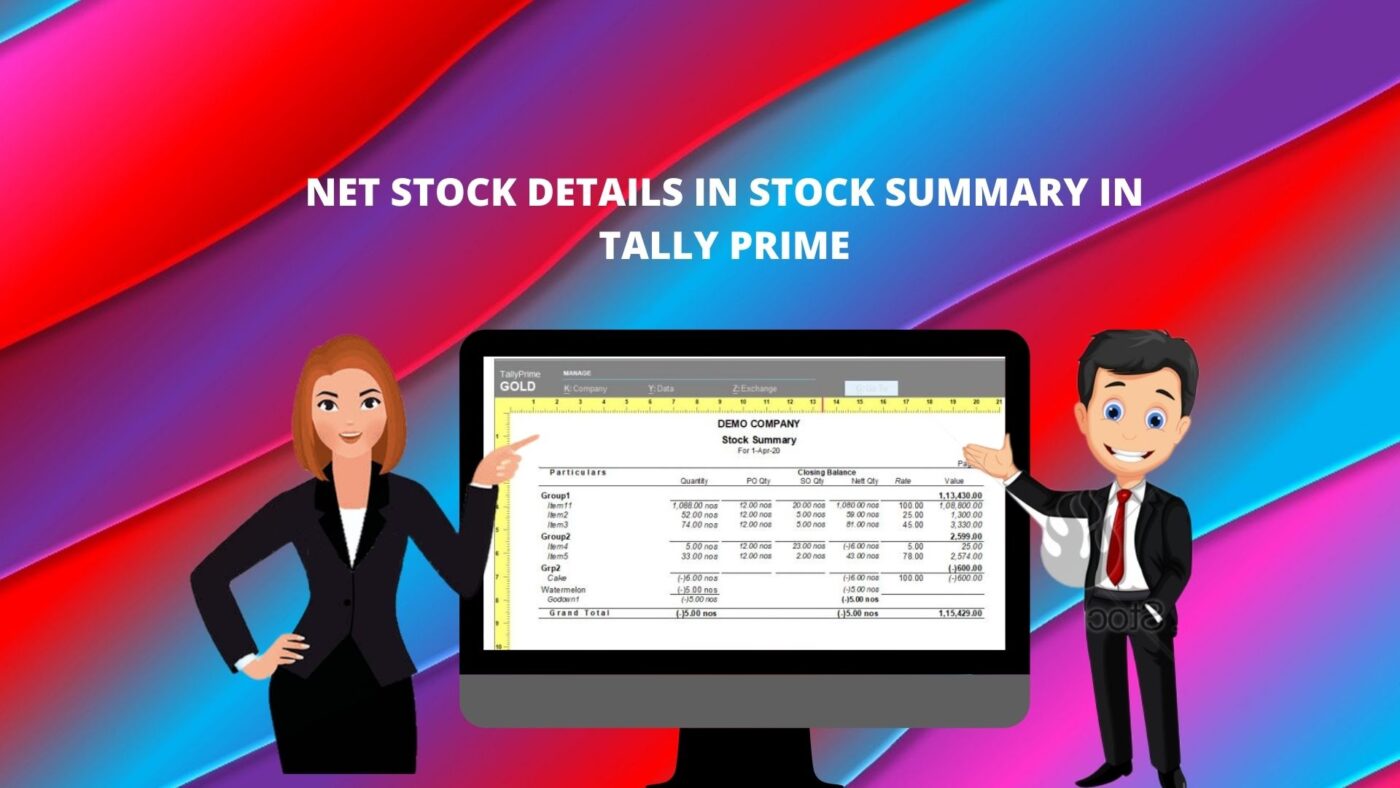
NET STOCK DETAILS IN STOCK SUMMARY TALLY PRIME TCP Getting started with Tally Prime is extremely simple. You can setup the application in less than a minute and get started with invoicing even faster. It just works the way you expect it to. NET STOCK DETAILS IN STOCK SUMMARY TALLY PRIME TCP Tally Prime […]
FEATURES
A major problem for the customers using Godown / batch in default tally is the negative stock
values created in stock summary due to wrong selections of batch and godown while data entry.
Normally it can be adjusting with necessary stock journal entries. This particular module is
providing an easy method for such adjustments.
FEATURES
Default tally price list is facilitating one price level for entire items in an invoice. Whereas
“Multi price level for an Invoice” enables items wise price level while billing. Using this module
user can select different price level rate in a single sales invoice.

FEATURES
This Add-on enables you to create multiple cash/Bank payment/Receipt vouchers using a single screen. In day to day transaction we have several cash/ repeated transactions. We can enter such transactions in single screen therefore saves your valuable time
FEATURES
As you know in default tally we have to change standard selling rate individually for all stock item, this module enables you to set standard rate for multi stock item in a single screen.