
Search Results for: tally prime

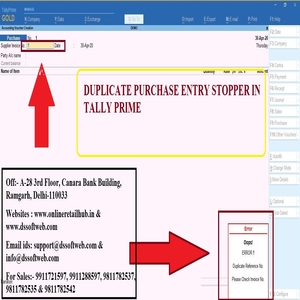
DUPLICATE PURCHASE STOPPER IN TALLY PRIME TDL

duplicate-purchase-stopper

How to Install the TDL File in Tally

Step 1. Go to Gateway of Tally.
Step 2. Then Press the Ctrl+Alt+T button
Step 3. Now Press F4 Button or Click on the “Manage Local TDL” button
Step 4. Now do “Yes” to the “Load TDL Files on Startup” option
Step 5. Now in the next line “List of TDL Files to preload on Startup” Enter the TDL File Path or Location Like “E:File.tdl”
Step 6. Now save the settings
Your TDL File is ready to use.
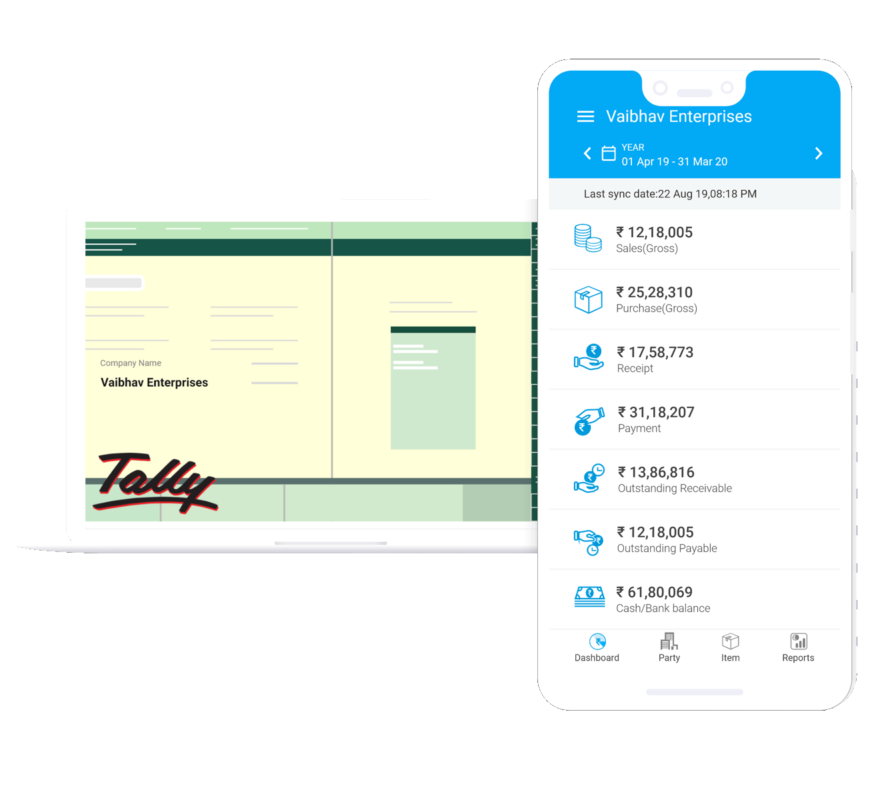
WHAT’S APP FROM TALLY PRIME PERMANENT

WHAT'S APP FROM TALLY PRIME PERMANENT

WHATS APP ADD ON FEATURES

  • Unlimited what’s app sending.
  • Unlimited Message.
  • Any report like BS,P&L,Trial Balance Invoice, Receipt, Payment etc.
  • No need to buy what’s app credit.
  • No browser what’s app scanning everytime
  • Tally PRIME Ready
  •  Fastest message under 30 seconds.

Call our Tally & Busy Support  Centre at 9911721597
or email us at support@dssoftweb.com

Tally|Certified partner|Distributer|Best|Delhi|Support|Authorised

WHAT’S APP FROM TALLY PRIME (1 YEAR)

WHAT'S APP FROM TALLY PRIME (1 YEAR)

WHATS APP ADD ON FEATURES

  • Unlimited what’s app sending.
  • Unlimited Message.
  • Any report like BS,P&L,Trial Balance Invoice, Receipt, Payment etc.
  • No need to buy what’s app credit.
  • No browser what’s app scanning everytime
  • Tally Prime Ready
  •  Fastest message under 30 seconds.

Call our Tally & Busy Support  Centre at 9911721597
or email us at support@dssoftweb.com

Tally|Certified partner|Distributer|Best|Delhi|Support|Authorised

Tally | Tally Prime- Gold

Tally Prime

Tally | Tally Silver To Tally Prime Gold

Tally | Tally Silver To Tally Prime Gold

Tally| Prime Silver to Tally Prime Gold

Tally| Prime Silver to Tally Prime Gold

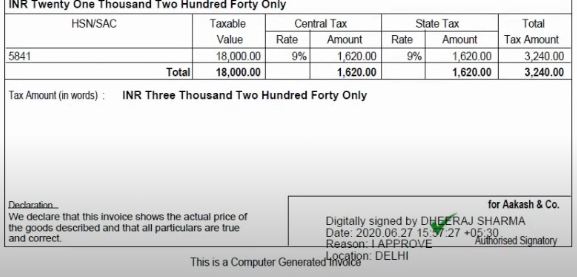
Digital Signature in Tally Prime Advantages

Digital Signature in Tally Prime Advantages

Welcome to our website !

error: Content is protected !!