
Search Results for: tally prime

Tally Discount For CA 80%

Tally Prime C.A 80% Discount
  • A CA firm is eligible for 80% discount on one license of Tally Prime Gold (multi-user)
  • If request is from a CA Firm, Firm Registration Number (FRN) & Date of Establishment is mandatory
  • Only in case the practicing CA is not working under a Firm, then the CA may request for discount in individual capacity
  • Discount is applicable ONLY on Tally. ERP 9 Gold (a multi-user license), not on any other Tally products
  • For queries please write to support@dssoftweb.com
  • Click here and submit your details for availing the scheme
  • Please call us if you have any query 9911721597 & 9911288597.

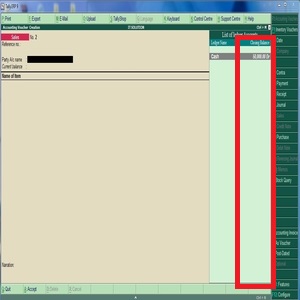
All Ledger Closing Balance TDL in Tally ERP 9

ALL LEDGER BALANCE

Step 1. Go to Gateway of Tally.
Step 2. Then Press Ctrl+Alt+T button
Step 3. Now Press F4 Button or Click on “Manage Local TDL” button
Step 4. Now do “Yes” to “Loan TDL Files on Startup” option
Step 5. Now in the next line “List of TDL Files to preload on Startup” Enter the TDL File Path or Location Like “E:File.tdl”
Step 6. Now save the settings

Call us if you have any query, @ +91-9911721597,7838541297
or email us at support@dssoftweb.com

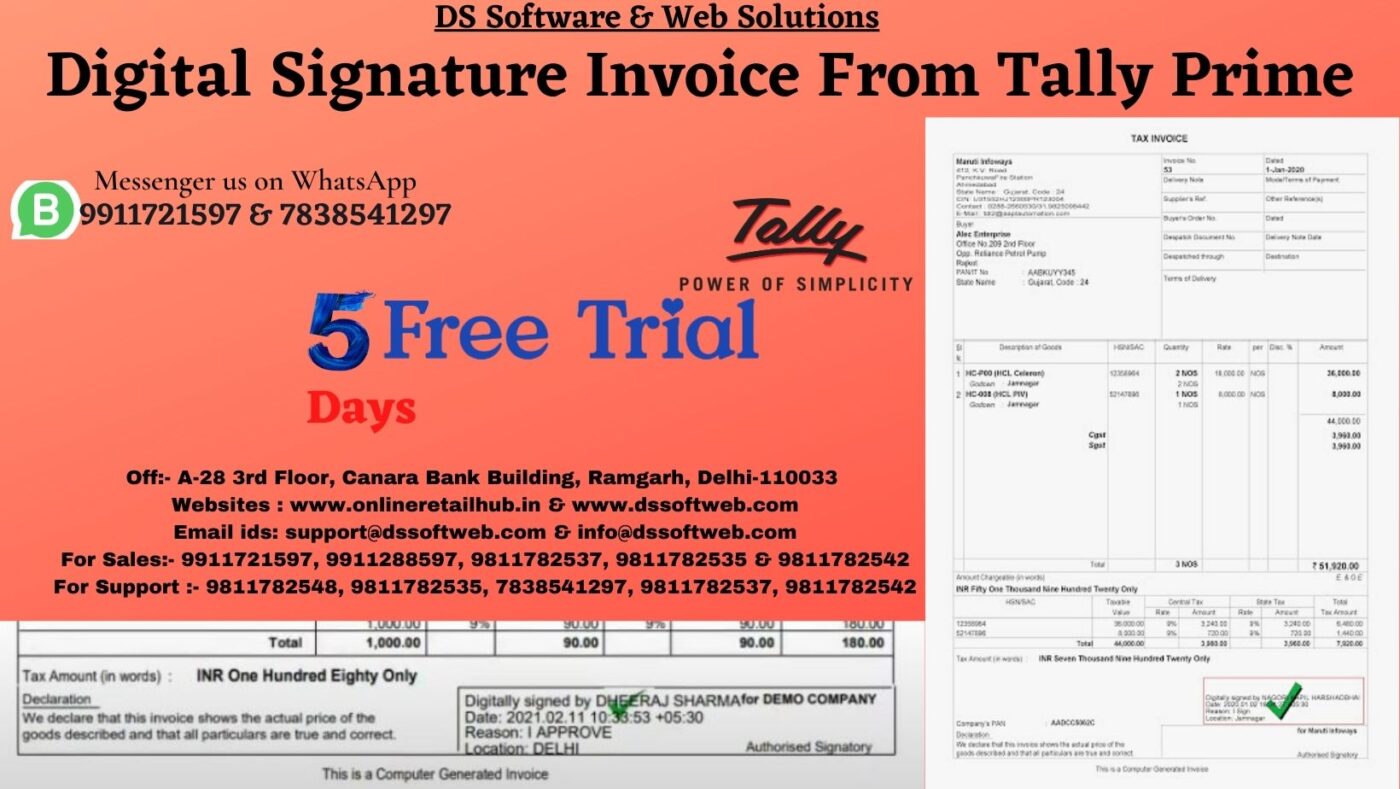
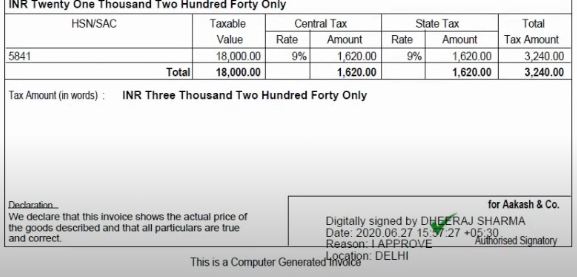
Digital Signature in Tally ERP 9

Digital Signature in Tally ERP 9

Benefits of Digital Signature in Tally

  • Generate & Email fully authorised  digitally signed documents from Tally.ERP 9.
  • Signature properties contain data like Name, Contact, Location and Reason.
  • Generate multiple copies of digitally documents.
  • The signed or Unsigned documents  are stored in user defined folder.
  • Digital signatures are as authentic as hand written signatures.
  • Digital documents can be immediately delivered to recipients over email
    Call us if you have any query, @ +91-9911721597,7838541297
    or email us at support@dssoftweb.com

ALL IN ONE TDL FOR TALLY ERP 9

ALL IN ONE TDL FOR TALLY ERP 9

Step 1. Go to Gateway of Tally.
Step 2. Then Press Ctrl+Alt+T button
Step 3. Now Press F4 Button or Click on “Manage Local TDL” button
Step 4. Now do “Yes” to “Loan TDL Files on Startup” option
Step 5. Now in the next line “List of TDL Files to preload on Startup” Enter the TDL File Path or Location Like “E:File.tdl”
Step 6. Now save the settings

Call us if you have any query, @ +91-9911721597,7838541297
or email us at support@dssoftweb.com

Tally ERP 9 Silver To Gold

Tally ERP 9 Silver To Gold
Product Features
 you can use this in multi pc within networking area.
Create and issue professional GST invoices
Regular updates on new product enhancements & major release
Data Synchronisation feature allowing complete visibility into multiple business locations
Generation of consolidated reports (Balance Sheet, P&L, Stock report etc.), inventory, collections, demand, purchasing etc. and sharing of information across branches
View, track and reorder stock in a matter of seconds
Make smarter business decisions with insightful reports
File accurate GST returns
Quick track your outstanding and send reminder letters for overdue payments
Remote access feature to get information with no time or place constraints
Seamless and easy banking experience using Banking and Payment
Call us if you have any query, @ +91-9911721597
or email us at support@dssoftweb.com
Tally|Certified partner|Distributer|Best|Delhi|Support|Authorised

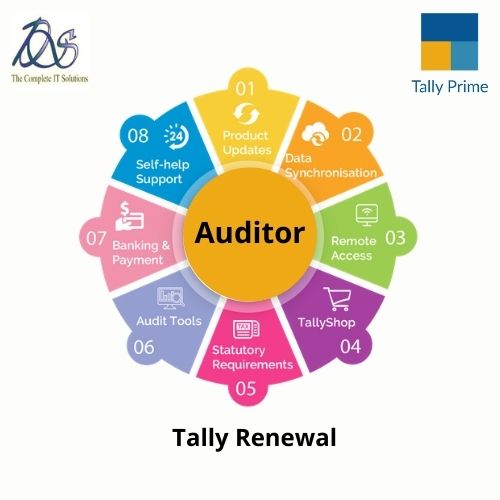
Tally Software Services – Auditor

Tally Software Services - Auditor

Welcome to our website !

error: Content is protected !!